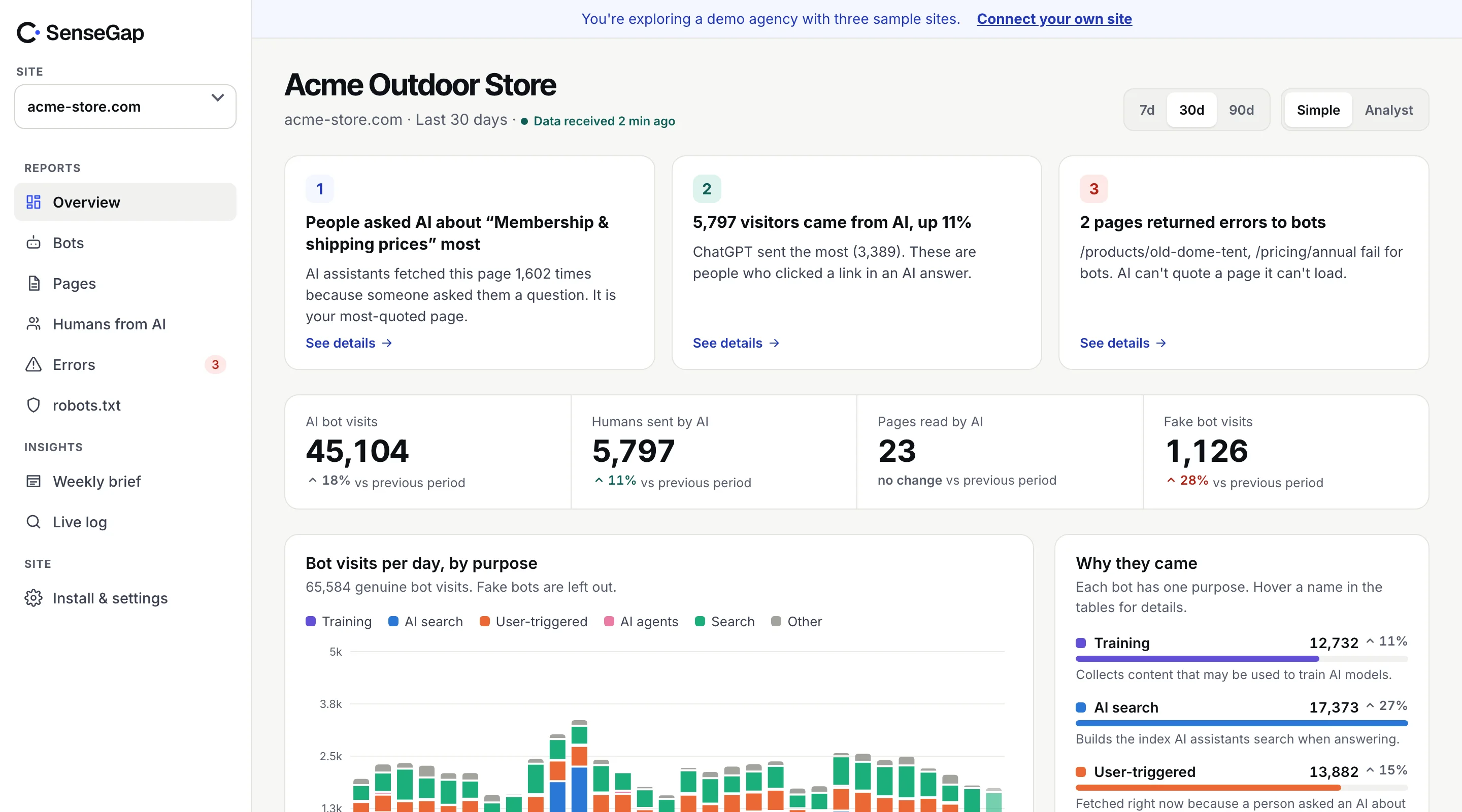
 See it on a real storeBots, pages and people sent by AI on an example store. No sign-up.
Most bot traffic is machines working through the web on their own schedule. A small part is different: an AI assistant opening your page at the moment a person asked it something.
Those visits are the closest thing you have to seeing AI demand for your site. This post covers which bots make them, what each visit tells you, and the mistakes that make the numbers misleading.
Three reasons an AI company visits your site
Every AI bot visit falls into one of three groups, and they mean very different things.
| Kind | Example | Someone asked? | What it tells you |
|---|---|---|---|
| Training | GPTBot | No | Your pages may shape what future models know. |
| AI search index | OAI-SearchBot | No | Your pages can be found and cited later. |
| User-triggered | ChatGPT-User | Yes, right now | A person's question needed your page. |
The first two are crawls. They tell you about access and coverage. Only the third is tied to a person and a question, which is why it deserves its own report.
Which bots fetch pages for people
These are the user-triggered fetchers in SenseGap's directory today:
- ChatGPT-User, run by OpenAI
- Claude-User, run by Anthropic
- Perplexity-User, run by Perplexity
- Google-NotebookLM, run by Google
- MistralAI-User, run by Mistral AI
- Meta-ExternalFetcher, run by Meta
Each company runs separate bots for separate jobs. Anthropic, for example, runs ClaudeBot for training, Claude-SearchBot for search, and Claude-User for fetches a person asked for. Perplexity runs PerplexityBot to index and Perplexity-User to answer.
What one visit tells you
A single ChatGPT-User request to /pricing tells you four things:
- A person asked ChatGPT something in the last few seconds.
- ChatGPT decided your site was a good source for it.
- It chose this page, out of everything on your site.
- It got an answer back, or it didn't: the status code shows whether your page loaded.
What it doesn't tell you is the question. No AI company passes the prompt to your site, and no tool outside the company can see it. More on that in can you see what people ask ChatGPT?
Why robots.txt may not apply
robots.txt was designed for crawlers that roam on their own. User-triggered fetchers argue they are closer to a browser: a person asked for the page, and the assistant is fetching it for them.
The operators say so in their documentation. OpenAI says robots.txt rules may not apply to ChatGPT-User. Perplexity says Perplexity-User generally ignores robots.txt. Google says the same of its user-triggered fetchers. Anthropic takes a different line: it says blocking Claude-User in robots.txt stops Claude from fetching your content when a person asks.
So if you want to stop user-triggered fetches, a robots.txt line may not be enough. Block at the server or CDN. Before you do, think about the trade-off: these are the visits that put your page in front of someone with a question. What blocking each AI bot actually stops.
Four ways to misread these numbers
1. Treating requests as questions
One answer can open several pages, and an assistant may retry a page that was slow. Group requests that arrive close together from the same assistant before you call them questions.
2. Treating visits as all questions
Assistants answer many questions without opening any page, from their search index or the model itself. User-triggered visits are the questions that reached your site, not every question asked about you.
3. Counting fakes
Scrapers borrow these names too. ChatGPT-User and Perplexity-User have published IP lists; check against them. See how to verify AI bots.
4. Ignoring the errors
A user-triggered fetch that gets a 404 or a 500 is a person who got a worse answer, or an answer from someone else's page. These errors are worth more attention than any crawler error. See AI bots hitting 404s.
Finding them in your own logs
If you have access logs, this pulls out user-triggered fetches and counts them by page:
grep -E "ChatGPT-User|Claude-User|Perplexity-User|MistralAI-User|meta-externalfetcher|Google-NotebookLM" access.log \
  | awk '{print $7}' | sort | uniq -c | sort -rn | head -20
The top of that list is the set of pages AI assistants use most to answer people about you. Check that each one loads, says what it should in plain text, and is up to date. That is the most direct thing you can do for how assistants describe you.
What to do with the pages they open
A list of the pages assistants open for people is a to-do list. Go through the top ten and check each one the way an assistant would read it.
Is the answer in the text?
Assistants quote what they can read. If your pricing page shows prices only in an image, or loads them with JavaScript after the page arrives, the assistant sees a page about pricing with no prices. Put the facts people ask about in plain HTML text: prices, hours, sizes, delivery times, policies.
Is it current?
A page assistants open often is a page that shapes how they describe you. If it lists last year's prices or a discontinued product, that's what people hear. Date the page and keep it up to date.
Does it answer one question well?
Pages that try to cover everything are hard to quote. A clear heading, a direct first paragraph and the details below it make the page easy to use in an answer.
Is anything missing?
Compare the list with the pages you would want assistants to open. If your most important service page never appears, it may be hard to reach, blocked, or simply not what people ask about. Each of those has a different fix: links and sitemaps, robots.txt, or new content.
How SenseGap reports them
SenseGap keeps user-triggered visits apart from every crawl. They have their own report with the pages assistants open for people, the pages they open together, and the ones that fail. From those patterns it writes the likely topic in a plain sentence, labeled Estimate, next to the measured counts it came from.
See it on the example store in the live demo.