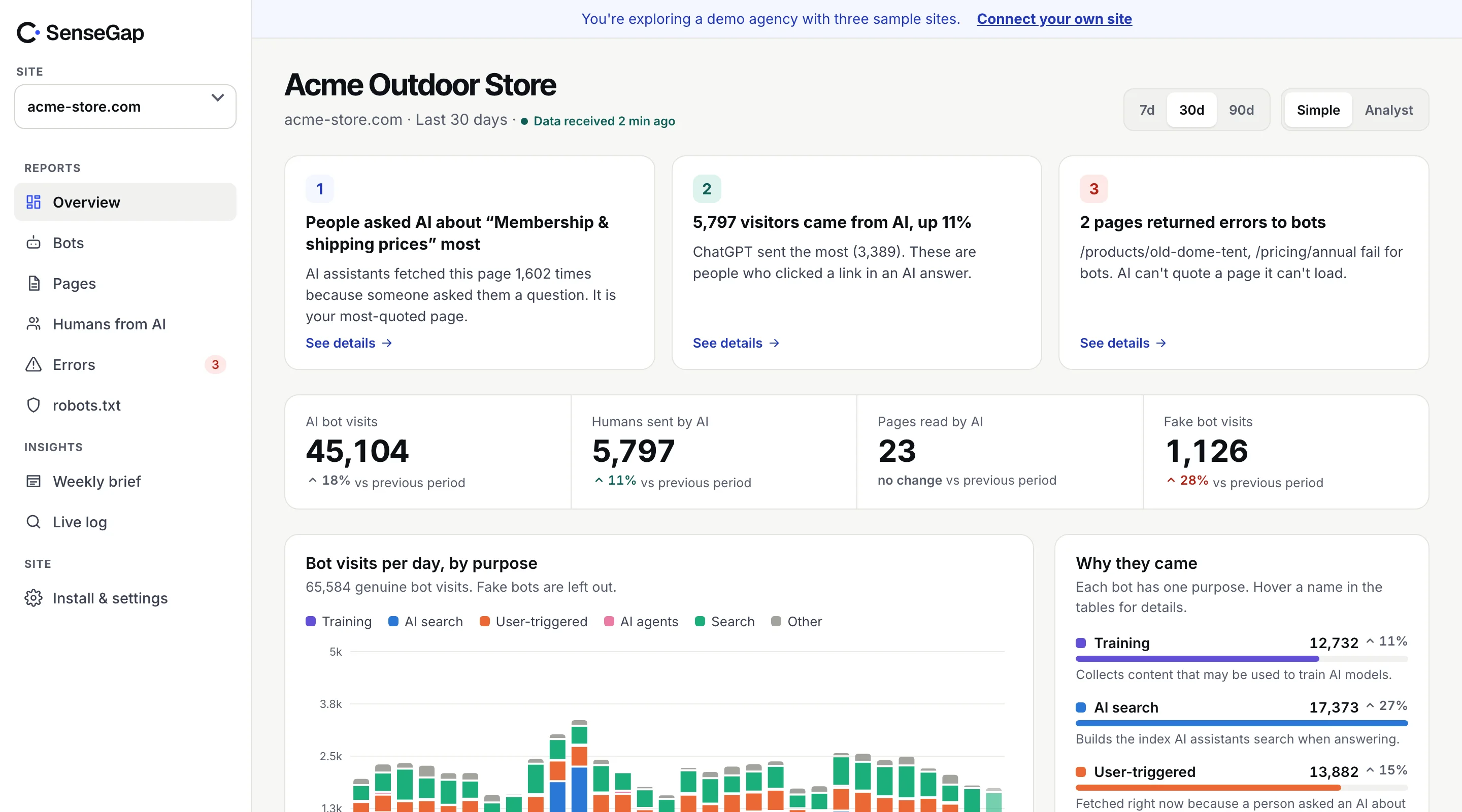
 See it on a real storeBots, pages and people sent by AI on an example store. No sign-up.
Every site serves some errors to bots. Most are harmless: an old URL from a years-old link, a crawler guessing at paths. But some errors land at the worst moment, when an assistant is opening your page to answer someone right now.
Those are worth finding, because the fix is usually small and the effect is direct. This guide shows how to find them in your logs and which to fix first.
Why errors matter more for AI than for search
When Googlebot hits a 404, it tries again later and eventually drops the page from search. That takes days or weeks, and you have time to notice in Search Console.
When ChatGPT-User or Perplexity-User hits a 404, there is no later. A person is waiting. The assistant uses another source, or answers from what it already knows, which may be out of date. You lose that answer, and you'll never see it in any report unless you're watching bot requests.
The errors AI bots run into
| Status | Usual cause | Fix |
|---|---|---|
| 404 Not Found | Page moved or deleted; assistant has an old URL from its index or training data | 301 redirect to the closest live page |
| 410 Gone | Page removed on purpose | Fine if intentional; redirect if a newer page answers the same question |
| 403 Forbidden | Firewall, bot-protection rule or WAF blocking the bot | Allow verified AI bots you want, by address, not by name |
| 429 Too Many Requests | Rate limit tripped by a burst | Raise limits for verified crawlers, or slow them with robots.txt crawl rules where supported |
| 5xx | Server or app error, often on heavy pages | Check timeouts; serve cached HTML to bots |
| 301 chains | Several redirects in a row | Point old URLs straight at the final page |
Finding them in your access logs
This lists the pages that gave errors to AI bots, with the bot and the status, most frequent first:
grep -E "GPTBot|OAI-SearchBot|ChatGPT-User|ClaudeBot|Claude-User|Claude-SearchBot|PerplexityBot|Perplexity-User" access.log \
  | awk '$9 >= 400 {
      match($0, /(GPTBot|OAI-SearchBot|ChatGPT-User|ClaudeBot|Claude-User|Claude-SearchBot|PerplexityBot|Perplexity-User)/, m)
      print $9, m[1], $7
    }' \
  | sort | uniq -c | sort -rn | head -30
The match with three arguments needs GNU awk (gawk). Field numbers assume the default combined log format; adjust if yours differs.
Look first at lines where the bot is a user-triggered fetcher such as ChatGPT-User. A path that appears there several times a week is a question your site keeps failing.
Errors that don't look like errors
Some of the most damaging failures return a 200.
Soft 404s
A page that says “not found” but returns 200. The bot reads it as real content. Make sure missing pages return a real 404.
Empty pages for bots
If your content is rendered in the browser by JavaScript, most AI bots receive an almost empty HTML shell. The status is fine; the page says nothing. Check what a bot receives with curl:
curl -s -A "ChatGPT-User/1.0" https://example.com/pricing | head -50If the price isn't in that output, assistants can't read it either.
Challenge pages
Bot protection sometimes returns a challenge page with a 200 or 403. To a crawler it's a dead end. If you want AI bots in, allow verified ones past the challenge.
What to fix first
- Pages that user-triggered fetchers keep failing on. Redirect or restore them. Each one is a recurring question.
- Blocks you didn't mean. 403s for bots you want, usually from a bot-protection rule turned on for everyone.
- Redirect chains on important pages. Point every old URL at the final page in one step.
- Key facts only in JavaScript. Prices, opening hours, specs and policies belong in the HTML.
- Training crawler 404s. Lowest priority. Clean them up when you redirect old URLs anyway.
Redirecting old URLs the right way
Most fixes are redirects, so they're worth doing well. Send each old URL to the page that answers the same question, not to the home page. A redirect to the home page is treated much like a 404 by search engines, and it gives an assistant nothing to quote.
location = /shipping-info { return 301 /shipping; }
location = /pricing/annual { return 301 /pricing#annual; }
location ^~ /old-blog/ { rewrite ^/old-blog/(.*)$ /blog/$1 permanent; }
Then request each old URL with curl -I and confirm there's exactly one 301 followed by a 200.
Keep watching after you fix
Errors come back. A site redesign, a renamed category, a CMS update or a new firewall rule can each create a fresh batch overnight. Check AI bot errors weekly, or set up an alert when errors to user-triggered fetchers rise above their usual level.
Watch the trend for each fixed URL too. After a redirect, requests for the old URL should slowly fall as assistants update their indexes, while requests for the new one rise. If the old URL keeps getting asked for, it's probably still linked from somewhere: your own site, a partner, or a page that ranks well.
How SenseGap shows them
SenseGap has an Errors report: every page an AI bot tried to open and couldn't, with the status each bot got and how often. Errors served to bots answering people are kept apart from crawler errors, so the ones costing you answers come first. Each weekly insight states what was measured, what it probably means, and what to change.
See it on the example store in the live demo, or read the online store playbook for a catalog-sized version of this.