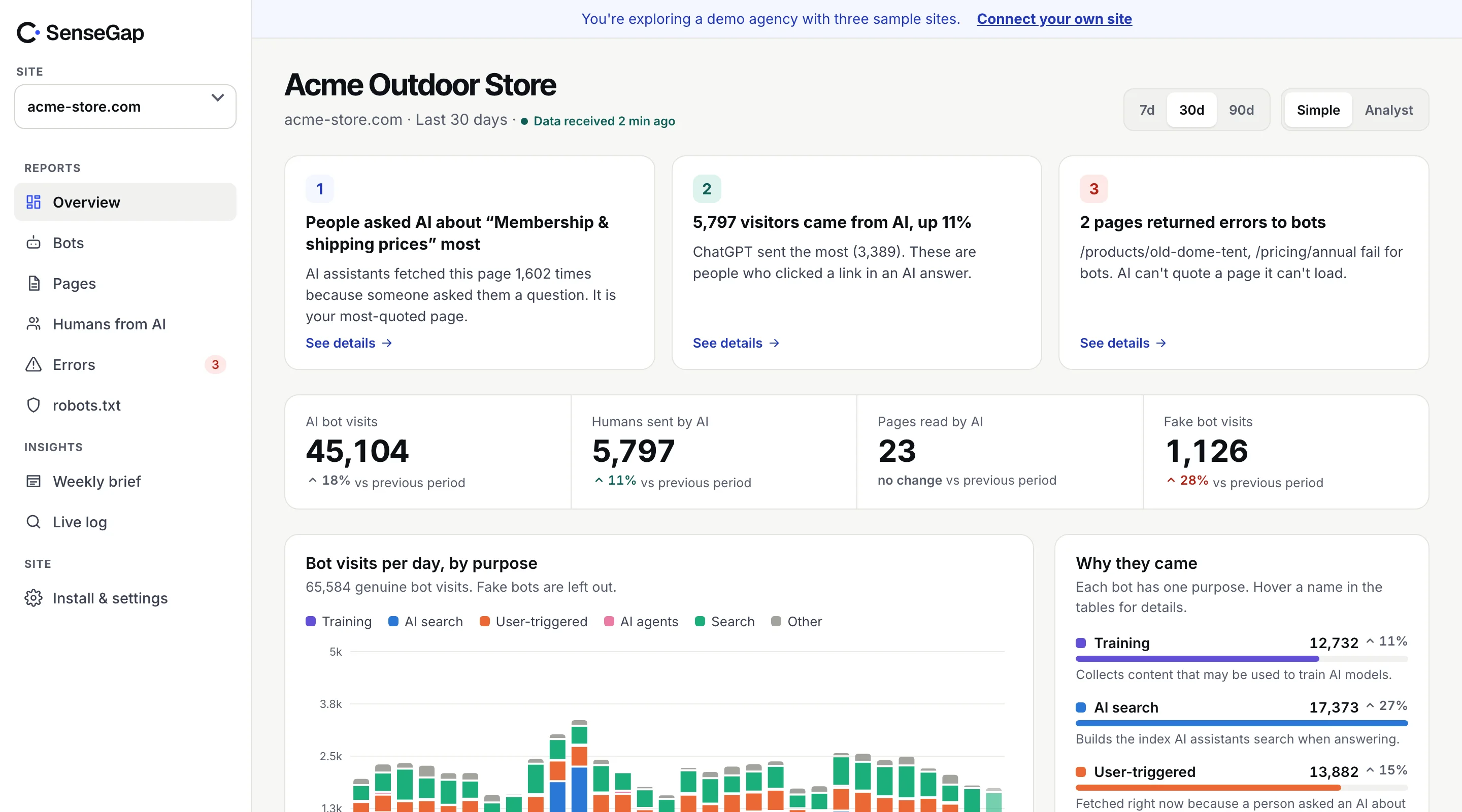
 See it on a real storeBots, pages and people sent by AI on an example store. No sign-up.
When someone asks an assistant to recommend a product, it can only use what it has read. A product page no AI bot has opened might as well not exist for those answers.
On a catalog with thousands of products, that gap is usually large, and nobody knows where it is. This playbook shows how to find it: which products AI opens, which it never touches, and which fail when it tries.
Coverage is the first question
For a store, AI visibility starts with a plain question: of all my product pages, how many has each AI bot opened in the last 30 days?
The answer is often lopsided. Bots follow links, so products that are linked from the home page, top categories and popular articles get read often. Products deep in pagination, behind filters, or only reachable through on-site search may never be opened.
Measuring coverage from your logs
You need two lists: every product URL you have, and every product URL an AI bot requested. Your sitemap gives you the first.
curl -s https://example.com/product-sitemap.xml | grep -oE "<loc>[^<]+</loc>" \
| sed -E 's#</?loc>##g; s#https?://[^/]+##' | sort -u > products.txtgrep -E "GPTBot|OAI-SearchBot|ChatGPT-User|ClaudeBot|Claude-SearchBot|PerplexityBot|Perplexity-User|Amazonbot" access.log \
| awk '{print $7}' | sed 's/?.*//' | grep "^/product/" | sort -u > ai_seen.txtcomm -23 products.txt ai_seen.txt > never_opened.txt
wc -l products.txt ai_seen.txt never_opened.txtAdjust /product/ to your store's URL pattern. Use at least 30 days of logs; a single day understates coverage. And check each bot separately: a product GPTBot has read may still be missing from OAI-SearchBot's index, which is what ChatGPT search draws on.
What the never-opened list usually shows
- Deep pagination. Products only linked from page 12 of a category.
- Filter-only paths. Products reachable only through faceted filters that are blocked in robots.txt or built in JavaScript.
- New products. Not yet linked from anywhere a crawler visits often.
- Variants. Separate URLs for each size or colour, most of which never get read.
- Blocked sections. A robots.txt rule meant for search filters that also blocks product paths.
Read by crawlers vs opened for shoppers
Coverage by crawlers tells you what assistants could know. Visits from user-triggered fetchers like ChatGPT-User and Perplexity-User tell you what shoppers are asking about right now.
Compare the two lists. A product that gets user-triggered visits is being discussed in AI conversations. If those visits concentrate on a few products, that's where to focus: keep the page fast, the price and stock in the HTML, and the description clear. More on these visits in user-triggered AI visits.
Make product pages readable for AI
Being opened isn't enough if the page says little once it's open.
- Price, stock and key specs in the HTML, not loaded later by JavaScript. Most AI bots don't run scripts.
- Product structured data (schema.org Product with Offer) so price and availability are unambiguous.
- A real description. Assistants answer questions like “is this good for small flats?” from your text. A manufacturer's one-liner gives them nothing.
- Shipping and returns reachable in one link from every product page. Assistants often open these alongside a product.
curl -s -A "ChatGPT-User/1.0" https://example.com/product/oak-desk | grep -iE "price|in stock|€|\$" | headErrors across a catalog
Catalogs change constantly, and every discontinued product leaves a URL behind. Assistants keep asking for old products they learned about. Redirect discontinued products to the closest replacement or the category, rather than serving a 404. Prioritize URLs that user-triggered fetchers ask for. Full method in AI bots hitting 404s.
On hosted store platforms
If your store runs on a hosted platform, you may not have raw access logs at all. Check what your platform offers first: some provide bot or crawler reports, some let you put your own CDN in front of the store, and some offer neither.
Without logs, you can still check the parts that don't need them:
- Your robots.txt, to confirm AI bots are allowed into product and category paths.
- What a bot receives for a product page, with the
curltest above. - Your product sitemap, to confirm every live product is listed and discontinued ones are gone.
- Visitors referred by AI assistants in your analytics, as described in tracking AI referral traffic.
Don't forget category and guide pages
Shoppers rarely ask an assistant about one product by name. They ask “what's a good desk for a small room” or “which running shoes for flat feet”. To answer, assistants often open category pages and buying guides first, then a few products from there.
So check which category and guide pages user-triggered fetchers open. A category page with a short plain-text introduction, clear filters as links and products with names and prices in the HTML gives an assistant something to work with. A category page that is only a JavaScript grid gives it nothing.
How to raise coverage
- Make sure your product sitemap is complete, current and listed in robots.txt.
- Link important products from places crawlers visit often: category tops, buying guides, the home page.
- Give every product a reachable plain link, not only filter or search paths.
- Check robots.txt doesn't block product paths by accident. robots.txt for AI bots.
- Re-measure monthly. Coverage moves slowly; the trend is what counts.
How SenseGap helps stores
SenseGap shows every page AI read, by bot and purpose, grouped into sections like /products and /categories, with page titles instead of raw URLs. You see how often each AI comes back to your catalog, which product pages fail, and which shoppers arrive from AI answers and where they land.
See SenseGap for online stores, or open the live demo, which runs on an example store.