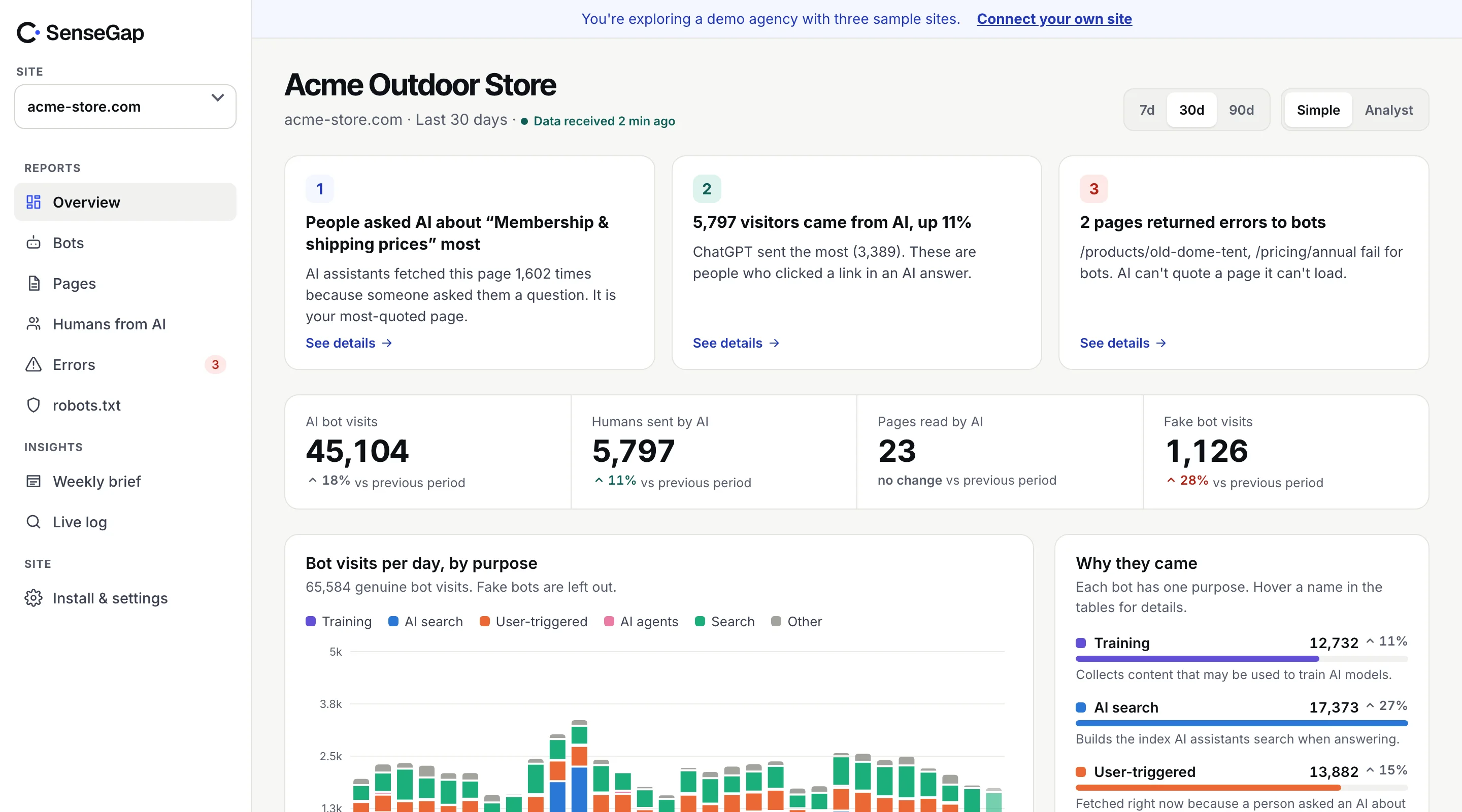
 See it on a real storeBots, pages and people sent by AI on an example store. No sign-up.
The User-Agent header is a line of text that the visitor writes about itself. A scraper can call itself Googlebot or GPTBot with one line of code, and plenty do, because many sites wave those names through.
The big operators know this, so they publish a way to check. There are two methods: published IP ranges, and reverse DNS. Here is how each works, which bots support which, and how to run the check yourself.
Why the user agent isn't proof
Every HTTP request carries a User-Agent header, and the client sets it. Browsers send something like Mozilla/5.0 … Chrome/…. Bots usually add their own name. Nothing checks that the name is true.
Faking a bot name pays off for scrapers in a few ways:
- Firewalls and CDNs often allow search engine bots through rules that block everything else.
- Rate limits are sometimes looser for known crawlers.
- Sites that block unknown scrapers often allow GPTBot or Googlebot by name.
So if you count every request that says “GPTBot” as GPTBot, your numbers include whoever is borrowing the name. More on the size of that problem in fake GPTBot traffic.
Method 1: the operator's published IP ranges
Many operators publish the address ranges their bots use, as a JSON file. A request that claims to be the bot is real only if its address falls inside one of those ranges.
The files share a common shape:
{
  "creationTime": "…",
  "prefixes": [
    { "ipv4Prefix": "192.0.2.0/24" },
    { "ipv6Prefix": "2001:db8::/32" }
  ]
}
These are the lists SenseGap checks against today, downloaded fresh every day:
| Bot | Operator | List |
|---|---|---|
| ChatGPT-User | OpenAI | chatgpt-user.json |
| OAI-SearchBot | OpenAI | searchbot.json |
| GPTBot | OpenAI | gptbot.json |
| Perplexity-User | Perplexity | perplexity-user.json |
| PerplexityBot | Perplexity | perplexitybot.json |
| Google-NotebookLM | user-triggered-fetchers.json, user-triggered-fetchers-google.json | |
| Google-CloudVertexBot | special-crawlers.json | |
| Storebot-Google | googlebot.json | |
| Googlebot | googlebot.json | |
| Bingbot | Microsoft | bingbot.json |
| Applebot | Apple | applebot.json |
| DuckAssistBot | DuckDuckGo | duckassistbot.json |
| DuckDuckBot | DuckDuckGo | duckduckbot.json |
| MistralAI-User | Mistral AI | mistralai-user-ips.json |
| CCBot | Common Crawl | ccbot.json |
Ranges change. Operators add and retire addresses, so a copy you downloaded six months ago will give wrong answers. Refresh the lists at least daily if you check against them automatically.
Method 2: reverse DNS, confirmed by a forward lookup
Google, Microsoft, Apple and several others also support the older method. It takes two lookups:
- Reverse lookup. Ask DNS for the hostname behind the visiting IP address.
- Check the domain. For Googlebot, the hostname must end in
googlebot.com,google.comorgoogleusercontent.com. For Bingbot,search.msn.com. For Applebot,applebot.apple.com. - Forward lookup. Ask DNS for the address of that hostname. It must return the original IP.
$ host 66.249.66.1
1.66.249.66.in-addr.arpa domain name pointer crawl-66-249-66-1.googlebot.com.

$ host crawl-66-249-66-1.googlebot.com
crawl-66-249-66-1.googlebot.com has address 66.249.66.1Some bots can only be checked this way, because their operator publishes no IP list: Amazonbot, YandexBot, Baiduspider, PetalBot, AhrefsBot and SemrushBot.
A small script to check one address
To check a single request against a published list, this is enough. It uses only Python's standard library.
import ipaddress, json, sys, urllib.request

def in_list(ip: str, list_url: str) -> bool:
    data = json.load(urllib.request.urlopen(list_url))
    addr = ipaddress.ip_address(ip)
    for p in data["prefixes"]:
        net = p.get("ipv4Prefix") or p.get("ipv6Prefix")
        if addr in ipaddress.ip_network(net):
            return True
    return False

# python3 check_ip.py 203.0.113.7 https://openai.com/gptbot.json
print("real" if in_list(sys.argv[1], sys.argv[2]) else "not on the list")
For a whole log, download each list once, load every range into memory, and test each address against that. Don't fetch the list once per line.
Five mistakes that give wrong answers
- Checking the proxy, not the visitor. Behind a CDN or load balancer, your log may record the proxy's address. Use the real client IP the proxy passes on, such as
CF-Connecting-IPon Cloudflare or the first address inX-Forwarded-Forfrom a proxy you trust. - Using an old copy of the list. A real crawler on a new range looks fake against last year's file. Refresh daily.
- Skipping the forward lookup. A reverse record alone can be set by whoever controls the address. Without the forward check, reverse DNS proves nothing.
- Checking the wrong list. GPTBot, OAI-SearchBot and ChatGPT-User each have their own file. An address on the ChatGPT-User list isn't proof of GPTBot.
- Calling unverifiable bots fake. If the operator publishes nothing, failing a check you invented isn't evidence. Label those visits unverified.
Reverse DNS lookups are slow compared with a range check, so cache the result per address for a few hours rather than looking up every request.
When a bot can't be verified at all
Not every operator publishes a way to check. For those bots, a visit is the name in the header and nothing more. In SenseGap's directory that applies to some well-known names, including Anthropic's ClaudeBot, Meta's crawlers and Bytespider.
For these, the fair label is Unverified: counted, but not proven. It's different from Fake, which means a visit claimed a name and failed a check the operator publishes.
A third method is arriving: cryptographic signatures. Bots sign each request with a private key, and you check the signature against a public key the operator publishes. ChatGPT agent already signs its requests this way. See Web Bot Auth explained.
What to do with fake bots
- Keep them out of your reports. A fake GPTBot isn't OpenAI. Counting it inflates your AI numbers.
- Don't allowlist bots by name. If your firewall lets “Googlebot” through by user agent, scrapers get through too. Allow by verified address instead. Cloudflare and most CDNs have a verified-bot setting for this.
- Block where it matters. If fake bots hammer a heavy page, block the failing addresses or the network they come from at your CDN.
How SenseGap labels every visit
SenseGap runs these checks on every request that names a known bot. IP ranges first, then reverse DNS with a forward lookup where the operator supports it. Each visit gets one of three labels, with the evidence attached: Real, Unverified or Fake. Fake visits stay out of your reports and are listed separately.
The rules and the checking code are open source, so you can read exactly what “verified” means. How we verify bots, in depth.