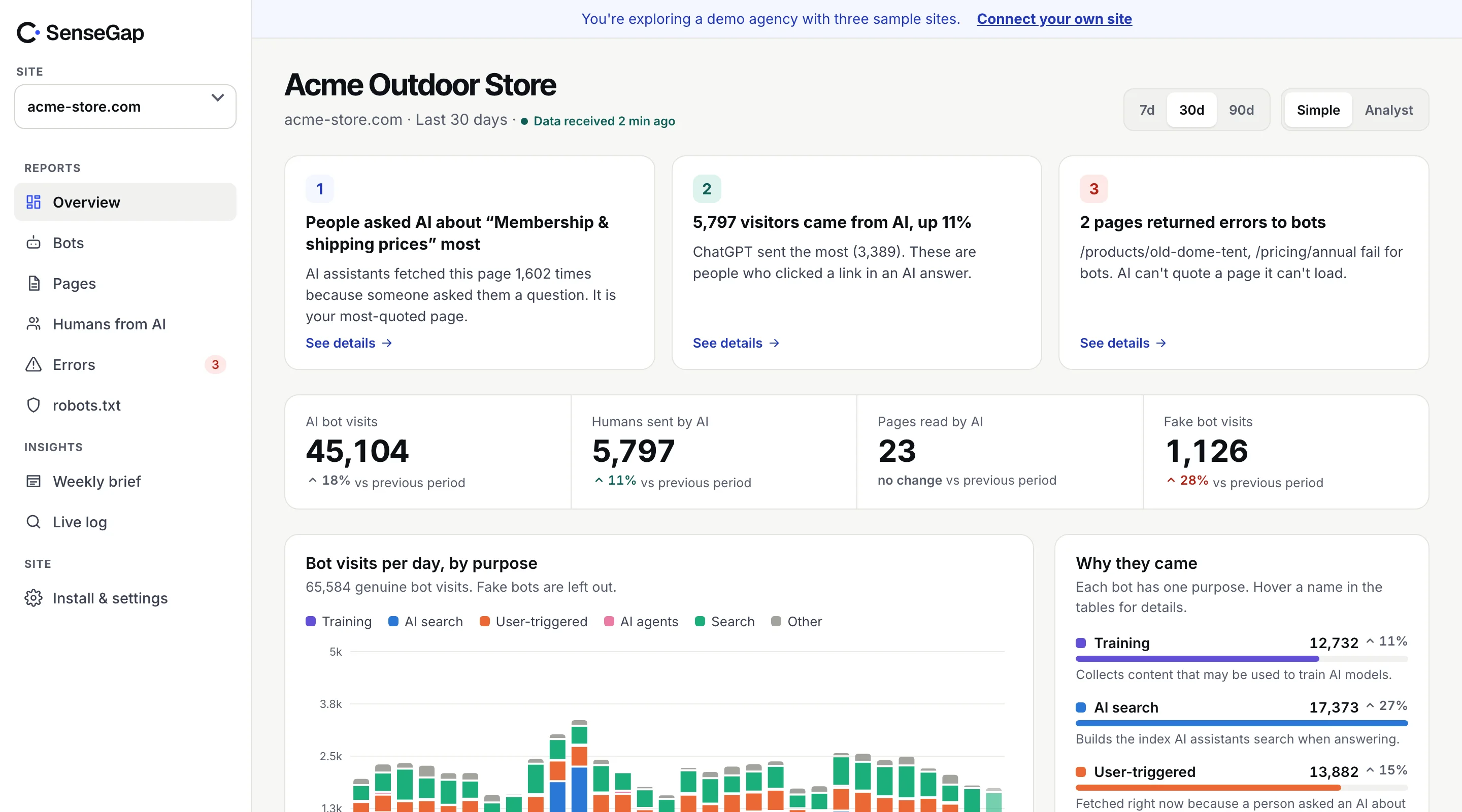
 See it on a real storeBots, pages and people sent by AI on an example store. No sign-up.
For thirty years, bots identified themselves with a name in the User-Agent header and a hope that you'd believe it. IP lists and reverse DNS made that name checkable, but they don't work well for the newest visitors: AI agents that browse in a normal browser, from cloud addresses that change all the time.
Web Bot Auth is the fix being built for that. The bot signs each request with a private key, and anyone can check the signature against a public key the operator publishes. Here is how it works.
The problem it solves
A crawler like Googlebot has a stable fleet of servers, a fixed name and published addresses. Checking it is easy.
An AI agent is different. ChatGPT agent runs a real browser to do tasks for a person: open a site, compare prices, fill in a form. Its User-Agent looks like an ordinary Chrome visitor. It may run on shared cloud infrastructure. You can't pick it out by name, and an IP list would be large, shared and fast-changing.
Site owners still need to know what it is. Agents behave differently from people, and many sites want to allow good agents through while blocking scrapers that pretend to be them.
How it works, step by step
Web Bot Auth builds on HTTP Message Signatures (RFC 9421), a standard way to sign parts of an HTTP request. The Web Bot Auth drafts at the IETF describe how bots should use it.
- The operator creates a key pair. It keeps the private key and publishes the public key in a key directory on its own domain, at a well-known address.
- The bot signs each request. It computes a signature over chosen parts of the request, using the private key, with a creation time and an expiry.
- The request carries three headers.
Signature-Agentsays where to find the key directory.Signature-Inputsays what was signed, with which key and when.Signatureholds the signature itself. - The site checks it. It fetches the public key from the directory named in
Signature-Agent, rebuilds what was signed, and verifies. If the signature holds and hasn't expired, the request came from someone holding the operator's private key.
Signature-Agent: "https://chatgpt.com"
Signature-Input: sig1=("@authority" "signature-agent");created=1761642000;expires=1761642060;keyid="…";alg="ed25519";tag="web-bot-auth"
Signature: sig1=:…base64…:Compared with IP lists and reverse DNS
| Method | Proves | Weak spot |
|---|---|---|
| User-Agent name | Nothing | Anyone can type any name. |
| Published IP list | The request came from the operator's addresses | Lists change; hard for agents on shared cloud addresses. |
| Reverse DNS + forward lookup | The address belongs to the operator's domain | Two DNS lookups per new address; not every operator supports it. |
| Web Bot Auth signature | The sender holds the operator's private key | Only works for bots that sign; still new. |
These methods stack. A visit can be checked by IP list today and by signature tomorrow. More detail on the first two in how to verify AI bots.
Who uses it today
Adoption is early, but it has started with the visitors that need it most.
- OpenAI signs requests from ChatGPT agent and sends
https://chatgpt.comin theSignature-Agentheader. That header is also how SenseGap recognizes ChatGPT agent, since its User-Agent looks like an ordinary browser. - Cloudflare verifies signed bots and agents at its edge and lets site owners treat them as verified.
- Other infrastructure companies, including AWS, have announced support for checking these signatures.
Expect the list to grow, especially among AI agents. For the classic crawlers, IP lists will stay the main check for a while.
What it means for site owners
You don't need to do anything to keep signed agents working. The signature is extra information; requests are served as before.
What changes is what you can know and enforce:
- You can tell agents from people. A request with a valid ChatGPT agent signature is an AI acting for a person, not the person.
- You can allow good agents precisely. Instead of loosening rules for anything that looks like Chrome, you can allow requests with a valid signature from operators you trust.
- You can stop impersonation. A request claiming
Signature-Agent: "https://chatgpt.com"without a valid signature is not ChatGPT.
To block ChatGPT agent today, match the header at your server. In nginx:
if ($http_signature_agent ~* "chatgpt\.com") {
    return 403;
}
A header match is a blunt rule. Anyone can send the header, so use it to block, never to allow.
What Web Bot Auth doesn't do
A valid signature answers one question: who sent this request. It leaves others open.
- It doesn't say why. A signed request from an AI company could be a crawl, a search fetch or an agent acting for a person. You still need the operator's documentation, and the bot's name, to know the purpose.
- It doesn't make a bot polite. A signed agent can still request too many pages or ignore your preferences. Signatures make it easier to hold the right company responsible, not to prevent the behavior.
- It doesn't cover unsigned bots. Most crawlers don't sign yet. For them, IP lists and reverse DNS remain the checks.
- It depends on key handling. If an operator's private key leaked, signatures would no longer prove much until the key is rotated. Operators publish key expiry dates partly for this reason.
None of these are reasons to ignore it. Together with the older checks, signatures close the gap that AI agents opened: a visitor that looks like a person but isn't.
Where SenseGap stands
SenseGap recognizes ChatGPT agent by its Signature-Agent header and records it as an AI agent visit, apart from crawlers and from fetches that answer a person. Today those visits are labeled Unverified, because full signature checks are coming soon. When they ship, signed visits will be marked Real or Fake with the same evidence trail as IP and DNS checks.
See the current checks on how we verify bots.