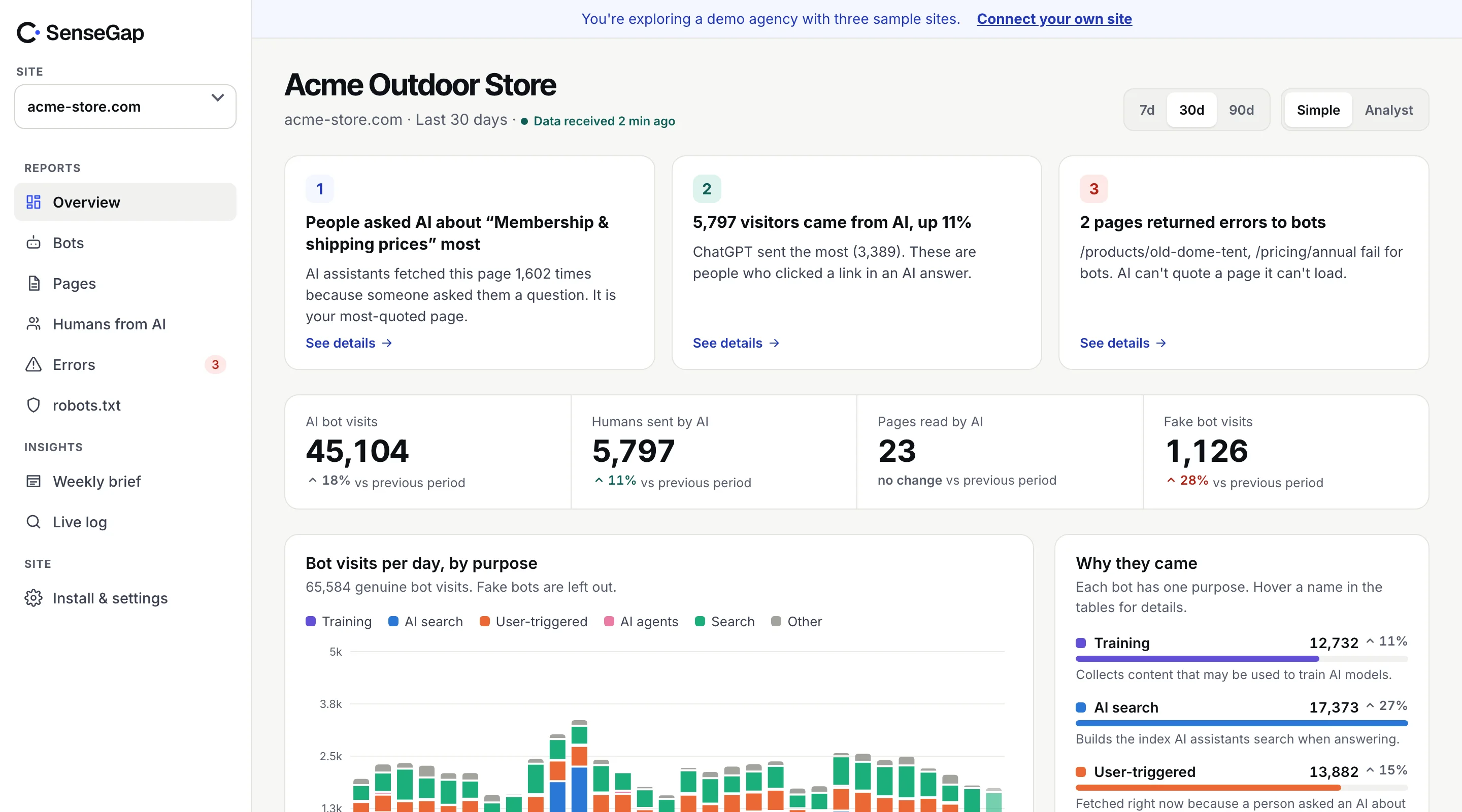
 See it on a real storeBots, pages and people sent by AI on an example store. No sign-up.
Log checker, free, no sign-up.
Find the fake AI bots in your access log. Your log is read in your browser and never uploaded.
How it works, three steps.
Download a log, drop it, read the answer. Works with nginx and Apache logs, including .gz files.
- 01
Find your access log
On nginx it is usually
/var/log/nginx/access.log, on Apache/var/log/apache2/access.log. On cPanel hosting: Metrics, then Raw Access. - 02
Drop it on this page
Several days at once is fine: access.log, access.log.1, access.log.2.gz. Your browser reads each line and keeps only the bot visits.
- 03
See who was real
Each bot address is checked against what its company publishes: IP ranges or reverse DNS. 25 of the 55 bots we know can be proven.
66.249.66.1 - - [28/Oct/2026:13:55:36 +0000] "GET /pricing HTTP/1.1" 200 2326 "-" "Mozilla/5.0 (compatible; Googlebot/2.1; +http://www.google.com/bot.html)"Privacy, what leaves your computer.
Your log stays with you. Only the IP lists come from us, and only bot addresses go to DNS.
How we verify botsThe page downloads the official IP lists that OpenAI, Google, Microsoft, Perplexity and others publish. Your browser compares each bot visit against them. Nothing from your log is sent to SenseGap.
Some bots, like Googlebot, Bingbot and Amazonbot, prove themselves with reverse DNS instead. For those, your browser asks Cloudflare's public DNS about the address the visit came from. You can turn that off before checking; those visits are then marked Unverified.
Fake bots are common. Scrapers borrow names like Googlebot and GPTBot because many sites let those through. Counting them as real inflates your AI numbers and hides who is really reading.
FAQ, the log checker.
Log checker questions, answered plainly
Is my log uploaded anywhere?
No. The file is read by your browser, on your computer. SenseGap's server only sends your browser the official IP lists that bot companies publish. If reverse DNS is on, the addresses of visits that claim to be Googlebot, Bingbot or a few other bots are looked up with Cloudflare's public DNS (1.1.1.1). Nothing else leaves your computer.
Which log formats work?
The combined log format, which is the default for nginx and Apache, and the shorter common format. Gzipped files (.gz) work too. JSON logs from Caddy or Cloudflare and IIS logs aren't supported yet.
Where do I find my access log?
On nginx it is usually /var/log/nginx/access.log, on Apache /var/log/apache2/access.log or /var/log/httpd/access_log. Older days are kept as access.log.1, access.log.2.gz and so on. On cPanel hosting, open Metrics, then Raw Access, and download the file for your domain.
How do you know a bot is fake?
Anyone can write GPTBot in a user agent. OpenAI, Google, Microsoft, Perplexity, Apple and others publish the IP addresses their bots use, or a DNS name their addresses resolve to. A visit that uses the bot's name but comes from somewhere else is fake. 25 of the 55 bots we recognize can be checked this way.
Why are ClaudeBot visits Unverified?
Anthropic, Meta, ByteDance and several others don't publish IP ranges or DNS names for their bots, so there is nothing to check a visit against. We say Unverified rather than guess.
Is there a size limit?
No fixed limit. The file is read in pieces, so logs with millions of lines work, they just take longer. Reverse DNS stops after 400 distinct addresses to keep lookups reasonable; any left over are marked Unverified.
What does SenseGap do that this page doesn't?
This page reads a log once. SenseGap checks every visit as it happens, keeps the history, and shows which pages each AI read, which questions likely led there, the people AI assistants sent you, and errors bots hit, with a weekly email.