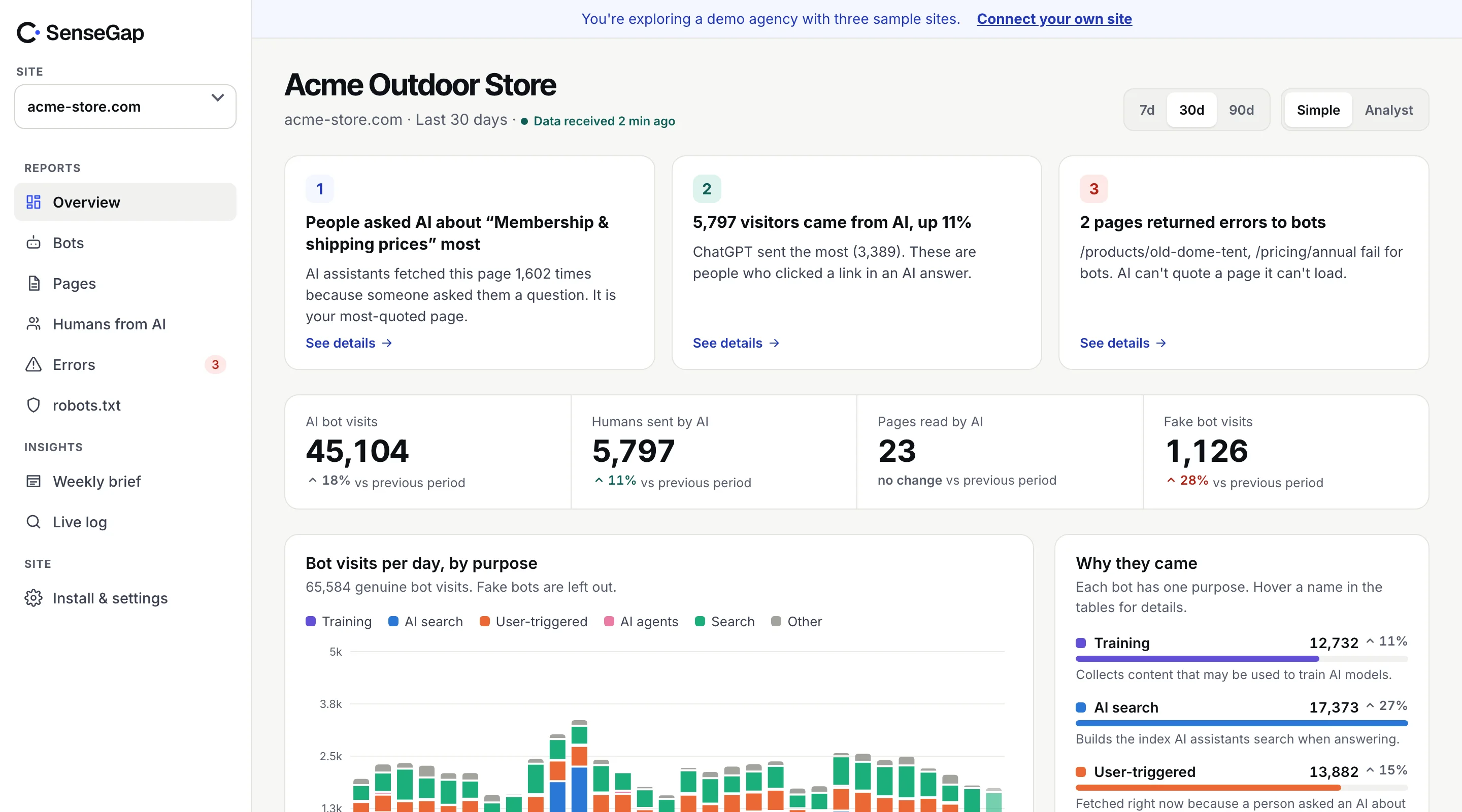
 See it on a real storeBots, pages and people sent by AI on an example store. No sign-up.
Link previews, run by LinkedIn.
What is LinkedInBot? LinkedIn's link preview fetcher. It can't be verified beyond its name.
Run by LinkedIn.
Purpose: Link previews. A visit means someone shared a link to your page in a chat or social app, and the app fetched it to draw the preview card.
robots.txt name: LinkedInBot.
Name only: no published list to check a visit against.
At a glance, the facts in one table.
LinkedInBot at a glance. Taken from SenseGap's open bot directory, the same data that sorts every visit in the dashboard.
All bots| LinkedInBot | |
|---|---|
| Operator | |
| Purpose | Link previews |
| User agent contains | LinkedInBot |
| robots.txt name | LinkedInBot |
| Verification | Name only |
| Documentation | None listed |
Purpose, what it does and why it came.
What LinkedInBot does. SenseGap sorts every visit by purpose. LinkedInBot is in the Link previews group.
LinkedInBot is LinkedIn's fetcher that loads a page's title, description and image when someone shares a link in LinkedIn's apps.
What a visit means
A visit means someone shared a link to your page in a chat or social app, and the app fetched it to draw the preview card.
Detection, the header SenseGap matches.
How SenseGap recognizes LinkedInBot. By its User-Agent header. A separate check then decides whether the visit is real.
Every request carries a User-Agent header naming the software that sent it. SenseGap counts a request as LinkedInBot when that header contains LinkedInBot, in any letter case. The header is plain text, so any script can copy it. Matching the name is where recognition starts, not where trust starts.
/LinkedInBot/iVerification, how to tell a real visit from a fake.
LinkedInBot can't be fully verified. SenseGap knows of no published IP ranges or DNS names for it, so the name is all there is.
How we verify botsNot beyond the user agent. SenseGap knows of no published IP ranges or DNS names for LinkedInBot, so anyone can send its name. SenseGap marks these visits Unverified rather than calling them real.
robots.txt, rules you can copy.
Block or allow LinkedInBot in robots.txt. Its robots.txt name is LinkedInBot. Paste a group into the robots.txt at your site's root.
User-agent: LinkedInBot
Disallow: /User-agent: LinkedInBot
Allow: /User-agent: LinkedInBot
Disallow: /private/One rule catches people out. Under the robots.txt standard (RFC 9309), a crawler that finds a group naming it follows only that group and ignores your User-agent: * rules. If you add a LinkedInBot group, repeat in it anything from the catch-all group you still want applied.
robots.txt is a request, not a lock. To enforce a block, match the User-Agent header at your server or CDN. In nginx:
# nginx, inside a server block
if ($http_user_agent ~* "LinkedInBot") {
    return 403;
}
SenseGap reads your robots.txt and shows, bot by bot, what you allow and which bots fetched pages you disallowed. See what you get.
Trade-off, what blocking changes.
Should you block LinkedInBot? It depends on what you want from LinkedIn. Here is what each choice means.
If you allow it
Links to your pages show a title, description and image when people share them.
If you block it
Shared links to your pages appear as bare URLs, without a preview card.
Link previews, other bots with the same job.
Other link preview fetchers. Same purpose, different companies.
Browse the directoryFAQ, LinkedInBot in short answers.
LinkedInBot, answered plainly
What is LinkedInBot?
LinkedInBot is LinkedIn's fetcher that loads a page's title, description and image when someone shares a link in LinkedIn's apps.
Who runs LinkedInBot?
LinkedIn. SenseGap's directory has no documentation link for it yet.
What does a visit from LinkedInBot mean?
A visit means someone shared a link to your page in a chat or social app, and the app fetched it to draw the preview card.
What user agent does LinkedInBot use?
Its User-Agent header contains "LinkedInBot". SenseGap matches it regardless of letter case.
How do I block LinkedInBot?
Add "User-agent: LinkedInBot" followed by "Disallow: /" to your robots.txt. robots.txt is a request, not a lock; to enforce it, block the user agent at your server or CDN.
Can I verify that a visit is really LinkedInBot?
Not beyond the user agent. SenseGap knows of no published IP ranges or DNS names for LinkedInBot, so anyone can send its name. SenseGap marks these visits Unverified rather than calling them real.
Does LinkedIn publish IP ranges for LinkedInBot?
No. SenseGap knows of no published list of addresses for LinkedInBot.
What happens if I block LinkedInBot?
Shared links to your pages appear as bare URLs, without a preview card.